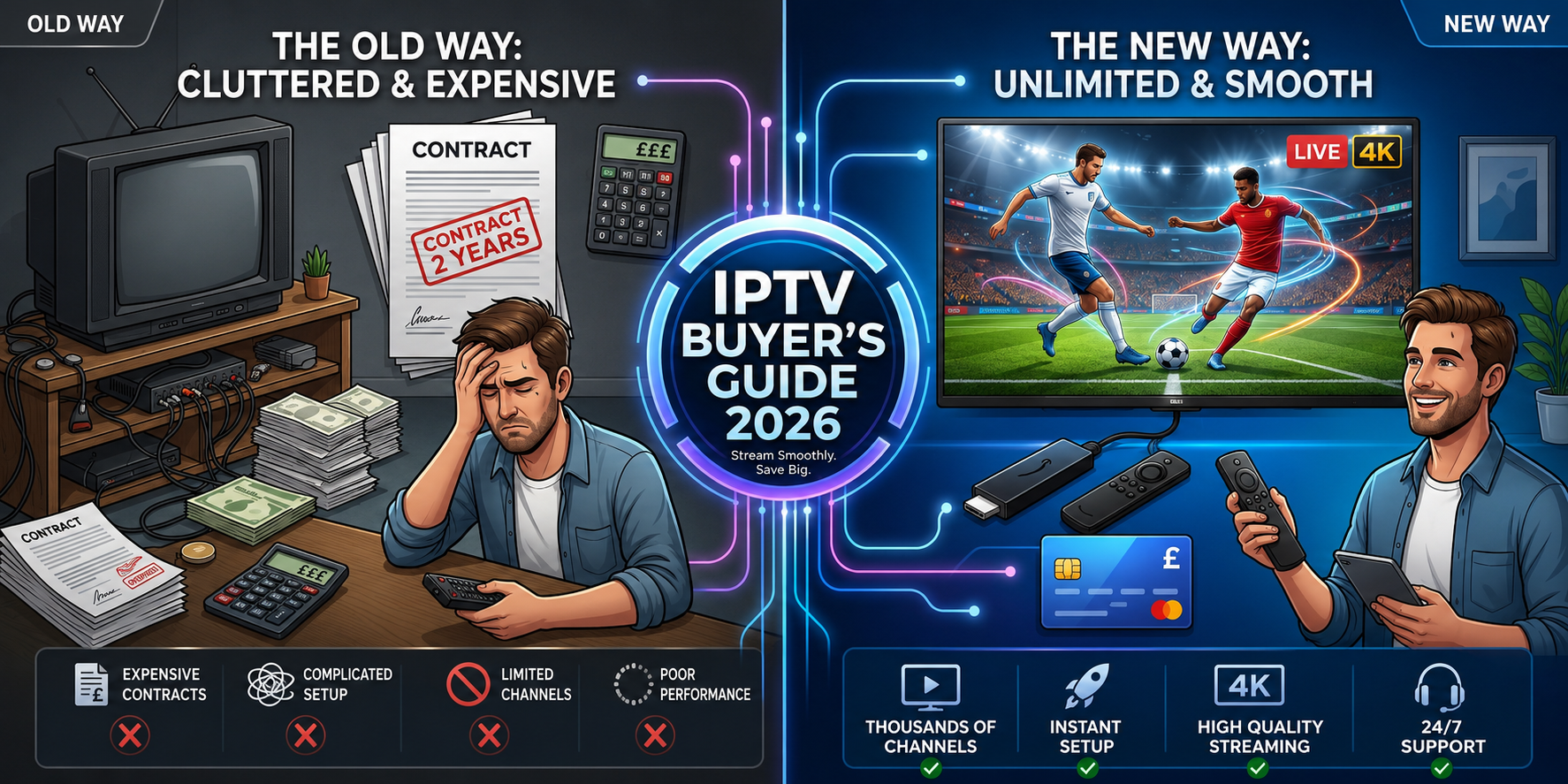
Anyone trying to buy IPTV UK runs into the same wall almost immediately: dozens of providers, wildly different prices, and no obvious way to tell a reliable service from one that disappears after the first payment clears. The technology itself is straightforward — the buying process is where most people get stuck.
This guide walks through how to buy IPTV in the UK safely: what the purchase actually involves, the steps worth following before paying, the mistakes that trip up first-time buyers, and the questions worth asking a provider before committing to anything longer than a trial. None of it requires technical background. It's a buying decision, not a technical one.
Key takeaways:
- Buying IPTV means paying for a subscription — login credentials or a playlist URL — not for the player app itself, which is usually free.
- A free trial, typically 24 hours, is the single most useful step in the entire buying process.
- "Lifetime IPTV" offers are not a realistic model, since server and licensing costs are ongoing for any provider.
- Connections refer to simultaneous streams tied to one login, not the number of devices the app is installed on.
What Is IPTV, and What Does Buying One Involve?
IPTV, or Internet Protocol Television, delivers live channels and on-demand video over a standard internet connection rather than through satellite or cable infrastructure. Buying an IPTV subscription means paying for access to a provider's servers, not for a piece of physical hardware or a single app.
Instead of a signal arriving through a dish or a cable line, an IPTV provider streams channels as data. A player app on a phone, Firestick, or smart TV receives that data and displays it — similar to how a video call receives a live feed rather than downloading a file first.
Is It Legal to Buy IPTV in the UK?
Buying an IPTV subscription is not illegal in itself — the legal question concerns the content a specific provider streams, not the act of subscribing. UK copyright law treats unauthorized redistribution of licensed broadcast content as infringement, and that responsibility sits with the provider first, though buyers are generally expected to exercise reasonable judgment about a service's legitimacy. There's no official "approved" list of IPTV providers, so this comes down to checking a provider's transparency, reading independent reviews, and treating vague answers about content sourcing as a signal to look elsewhere. Providers publishing a clear disclaimer and legal policy are generally easier to evaluate on this point.
What You're Actually Paying For: App vs. Subscription
This distinction trips up a lot of first-time buyers. The app — commonly something like Smart IPTV, an Xtream Codes-compatible player, or a dedicated IPTV app — is usually free or a small one-time cost. What's actually being purchased is the subscription: the login credentials or playlist URL that connects that free app to a provider's channel servers.
How to Buy IPTV in the UK: Step-by-Step Process
Buying IPTV in the UK typically involves five steps: requesting a free trial, choosing a plan based on connections and duration, selecting a payment method, receiving login credentials, and installing a player app to load them.
Step 1: Choose a Provider and Request a Free Trial
Most legitimate providers offer a short trial, often 24 hours, before asking for payment. This is the single most useful step in the entire process — it reveals actual stream stability rather than relying on a provider's own marketing claims. OneIPTV4K's free trial is one example available before any payment is made.
Step 2: Pick a Plan Based on Connections and Duration
Plans are typically priced by how many simultaneous connections are needed and how long the subscription runs: monthly, 3-month, 6-month, or annual. A household with more than one television should account for this before checking out, since a single-connection plan won't support two screens at once.
Step 3: Choose a Payment Method
UK buyers commonly see three options: card, bank transfer, and cryptocurrency. Each carries different protections. A card payment is usually easier to dispute if something goes wrong than a direct bank transfer, which is worth weighing against any discount offered for using a specific method.
Step 4: Receive and Enter Login Credentials
After payment, most providers send login details by email or WhatsApp, typically a username and password or a playlist URL. These credentials get entered into the player app — not downloaded as a separate file.
Step 5: Install a Player App and Load the Credentials
The final step is installing a compatible player app — IPTV Smarters Pro and TiviMate are two of the more commonly used options — and entering the credentials or playlist link supplied after checkout.
Benefits of Buying an IPTV Subscription in the UK
Buying IPTV in the UK generally costs less than an equivalent cable or satellite package, offers a larger channel and VOD selection, and works across far more devices than broadcaster-supplied hardware.
Lower Cost Than Cable and Satellite Bundles
A mid-range IPTV subscription commonly costs a fraction of an equivalent Sky or Virgin Media package once sports and premium film add-ons are factored in, and IPTV plans rarely require an 18-month contract.
A Larger Channel and VOD Library
Many IPTV providers offer channel counts well beyond a traditional cable package, alongside a video-on-demand library covering films and series.
Flexibility Across Devices
A single subscription typically works across a Firestick, Android box, smart TV, phone, or tablet, rather than being tied to one piece of broadcaster-supplied hardware.
Limitations to Understand Before You Buy
IPTV subscriptions come without the broadcaster-level guarantees, official regulation, and support infrastructure of a traditional cable or satellite contract, and service quality varies significantly between providers.
No Broadcaster-Level Guarantees or Regulation
There's no official body certifying IPTV providers the way Ofcom regulates broadcasters. Verifying a provider's legitimacy and reliability sits entirely with the buyer.
Dependence on Internet Connection Quality
Stream quality is tied directly to the buyer's own internet speed and stability, not just the provider's servers. A slow or inconsistent home connection causes buffering regardless of how strong the provider's infrastructure is.
Service Quality Varies Significantly by Provider
Two providers charging the same price can perform very differently, which is exactly why the trial step is worth taking seriously rather than skipping.
Common Problems When Buying IPTV in the UK
The most common problems when buying IPTV in the UK are paying before testing a trial, providers with no clear refund policy, fake "lifetime" offers, and unexpected currency conversion fees.
Paying Before Testing a Trial
Committing to a longer plan without testing stream stability first removes the only real opportunity to catch a poor-quality service before money changes hands.
Providers With No Clear Refund or Renewal Policy
Refund windows range from a few days to none at all, and this detail is often missing from the pricing page itself rather than stated upfront.
Fake or Scam "Lifetime" IPTV Offers
A "lifetime" IPTV subscription isn't a realistic offer. Server costs, bandwidth, and content licensing are ongoing expenses for a provider, so a one-time payment covering permanent access isn't a sustainable business model — this phrasing is one of the clearer warning signs when evaluating an offer.
Currency Confusion
Some providers quote prices in USD or EUR rather than GBP, which can add an unexpected conversion fee for a UK cardholder who assumed the price was already in pounds.
How to Buy IPTV Safely in the UK: A Verification Checklist
To buy IPTV safely in the UK: shortlist a small number of providers, test each trial during peak viewing hours, get pricing and renewal terms confirmed in writing, choose a payment method with reasonable buyer protection, then complete checkout and set up the device.
- Shortlist 2–3 providers and compare trials. Testing more than one avoids anchoring to the first option seen.
- Test stream stability during peak hours, not just off-peak, since that's when server load is highest and problems are most likely to appear.
- Confirm pricing, renewal rate, and refund policy in writing before paying, rather than relying on a verbal assurance.
- Choose a payment method based on buyer protection, weighing any discount for bank transfer or crypto against reduced dispute options.
- Complete checkout and set up the device, entering the credentials into a player app once they arrive. OneIPTV4K's subscription plans are one place to see this process laid out directly.
What "Connections" Actually Means When Buying IPTV
A connection refers to one active simultaneous stream tied to a single account login — not one device. A single-connection plan allows one screen to watch at a time even if the app is installed on five devices, while a two-connection plan allows two screens to stream different content simultaneously. This is worth confirming before checkout, since it's one of the more common points of confusion for first-time buyers.
Where to Read Independent IPTV UK Reviews
Beyond a provider's own trial, independent sources such as Reddit threads and Trustpilot listings often surface patterns — consistent buffering complaints, slow refund handling — that a single trial period might not reveal. Searches like "best IPTV UK" or "IPTV UK reviews" typically lead to these same community discussions, and cross-checking a shortlisted provider against them before paying is a reasonable extra step alongside the trial itself.
Best Practices and Expert Tips for a Smooth IPTV Purchase
The single most protective habit is treating the trial as non-negotiable — testing stream stability during peak hours, not just briefly at signup, before committing to anything longer than a month.
Buying directly through a provider's official checkout, rather than a third-party reseller, keeps responsibility clear if something goes wrong, and asking support a direct question beforehand doubles as a useful test of what post-purchase help will actually look like.
- Prefer providers who quote prices directly in GBP, avoiding conversion confusion.
- Keep a saved record of the purchase and login details rather than relying on memory.
- Cross-check a shortlisted provider against independent reviews, not just its own trial.
Common Mistakes to Avoid When You Buy IPTV in the UK
The most frequent mistakes are choosing on price alone, ignoring connection needs, skipping device compatibility checks, and not reading the refund policy before paying.
- Choosing solely on price without checking independent reviews first.
- Ignoring how many connections the household actually needs before checkout.
- Not verifying device compatibility before paying.
- Skipping the refund policy entirely, then discovering there isn't one.
Comparing IPTV Providers Before You Buy
| Provider Factor | What to Check | Why It Matters |
|---|---|---|
| Free Trial | Length and ease of requesting | Confirms reliability before payment |
| Payment Methods | Card, bank transfer, crypto | Affects buyer protection |
| Connections Offered | 1–4 simultaneous streams | Matches household device count |
| Support Channel | WhatsApp, live chat, ticketing | Determines post-purchase help |
| Renewal Pricing | Same as intro rate or higher | Avoids billing surprises |
Frequently Asked Questions
Is it legal to buy IPTV in the UK? Owning an IPTV app or device isn't illegal in itself — the legal question concerns whether the content being streamed is properly licensed. Buyers are responsible for evaluating a provider's transparency around content sourcing, since there's no official approval list for IPTV services.
How much does it cost to buy IPTV in the UK? Monthly IPTV pricing in the UK commonly ranges from around £10 to £40, depending on channel count, server quality, and support level. Annual plans typically bring the effective monthly cost down further compared to paying month to month.
What is the best way to pay for IPTV in the UK? Card payments generally offer the most straightforward dispute process if something goes wrong, while bank transfer and crypto sometimes come with a discount but less ability to reverse the payment.
Can I try before I buy IPTV? Most established providers offer a short free trial, typically 24 hours, specifically so a buyer can test stream stability before paying.
How many connections do I need when I buy IPTV? This depends on how many screens in the household need to stream simultaneously — a single-connection plan supports one active stream at a time, while multi-connection plans support two or more devices watching different content at once.
Is "lifetime IPTV" a legitimate offer? Generally not. Ongoing server, bandwidth, and licensing costs make a genuine one-time "lifetime" payment an unsustainable model for a provider.
What happens if my IPTV stops working after I buy it? This depends entirely on the specific provider's support and refund policy, which is why confirming these details in writing before paying matters more than after a problem appears.
Do I need a VPN to use IPTV in the UK? A VPN isn't required to use an IPTV service, though some buyers use one for general connection privacy or to reduce ISP-level network shaping during peak hours.
Can I buy IPTV without a smart TV or Firestick? Yes. IPTV subscriptions typically work across phones, tablets, laptops, and PCs through a compatible player app.
Why do IPTV prices vary so much between providers? Server capacity, channel and EPG maintenance, the size of a provider's support team, and VOD library size all factor into price.
Is a more expensive IPTV subscription always better? Not necessarily. Price is only one signal — independent reviews, trial performance, and support responsiveness often matter more than the number on the invoice.
Can I switch IPTV providers easily if I'm not satisfied? Switching is generally straightforward, since it just means signing up with a new provider and entering new credentials into the same player app.
Conclusion
Buying IPTV in the UK doesn't need to be complicated once the process is broken into clear steps: test before paying, confirm pricing and renewal terms in writing, choose a payment method that matches your risk tolerance, and check device compatibility before checkout. Providers vary considerably in reliability, and the shortcuts that seem convenient — skipping the trial, ignoring the refund policy, chasing the lowest price — are usually where problems start.
Anyone ready to buy IPTV in the UK is generally better served working through this evaluation process on two or three shortlisted providers rather than committing to the first plan that appears in a search result. For current plans and a free trial to test stream quality before committing to any term, visit the OneIPTV4K pricing page.