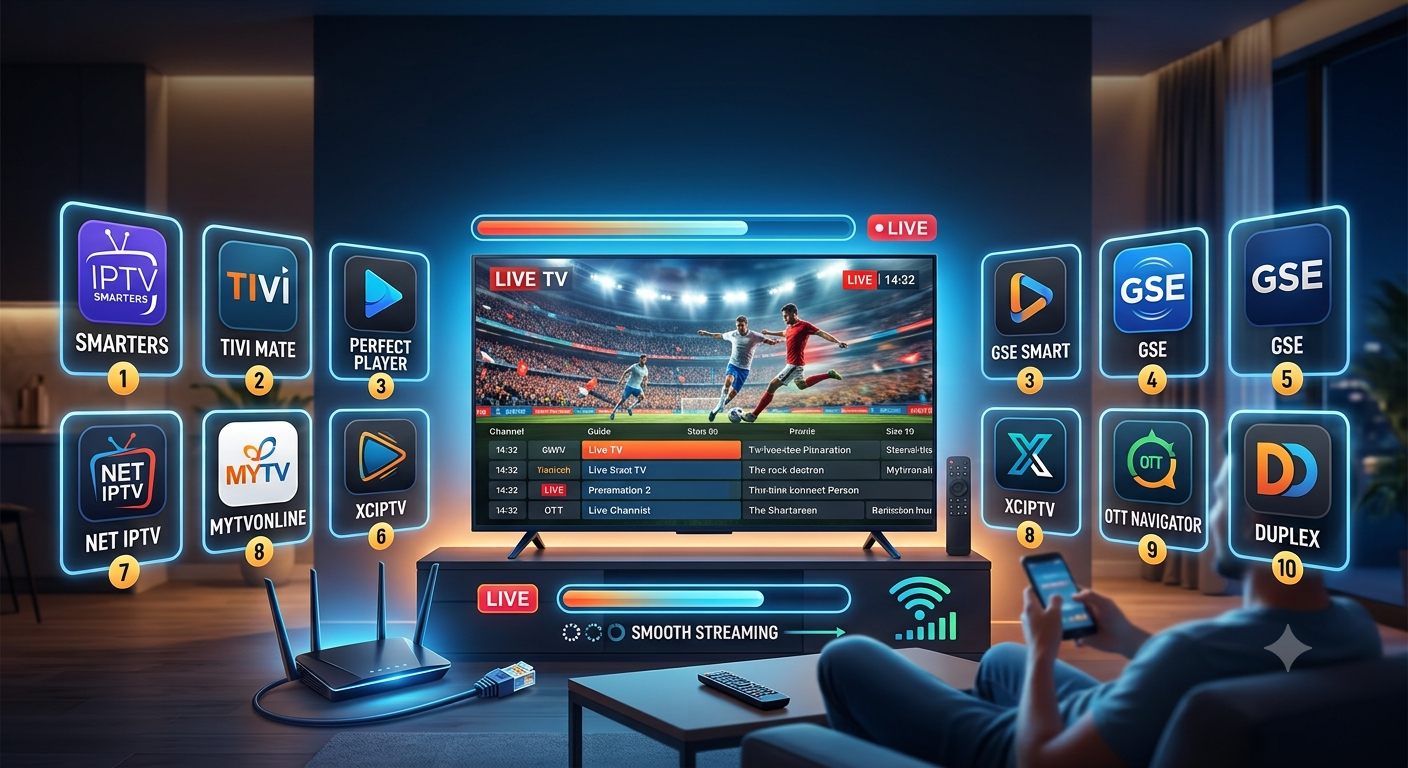
Streaming quality often comes down to more than internet speed. The app decoding and playing the stream plays just as large a role in whether playback stays smooth or turns into a cycle of buffering and crashes. This guide reviews the best IPTV apps available today, comparing how each one handles playback stability, EPG support, and device compatibility, based on hands-on setup testing across Android, iOS, and Firestick devices rather than spec sheets alone.
An IPTV app is the software layer that connects to a playlist or server and renders a stream on screen. It’s separate from the content source itself, and that distinction matters: two people using the same provider can have very different viewing experiences depending on which app they use. Every app covered here is a general-purpose media player, meaning it works with any properly licensed M3U or Xtream Codes source the user supplies. Legality in this context depends entirely on the content source loaded into the app, not the player itself — the same principle that applies to a browser or a file player like VLC.
Key takeaways:
- App choice affects playback stability independently of internet speed or provider quality
- Beginners generally do best with IPTV Smarters Pro; advanced users often prefer Perfect Player or Kodi
- EPG support, buffer configuration, and update frequency are the three factors most likely to separate a smooth experience from a frustrating one
What Is An IPTV App?
An IPTV app is a media player built to load and display IPTV streams, typically through M3U playlists or the Xtream Codes API. It doesn’t store or provide content itself. It connects to a playlist URL and decodes the incoming video for playback, much like VLC opens a video file rather than owning the video inside it.
IPTV App vs. IPTV Provider: What’s the Difference?
These two terms get confused often, but they describe separate layers of the same setup. An IPTV provider is the content source: the entity supplying channels, packages, or playlists. An IPTV app is the client software used to play that content. Provider choice and app choice are independent decisions, though both shape the overall viewing experience. For more on this distinction, see how IPTV providers affect streaming quality.
How IPTV Apps Work
IPTV apps connect to a playlist or server URL, retrieve the list of available channels or content, and use built-in codecs to decode the incoming stream in real time. Performance depends on how efficiently the app manages buffering, syncs EPG (Electronic Program Guide) data, and uses the device’s available hardware resources.
Most apps support common video codecs such as H.264 and H.265, along with streaming protocols like HLS (HTTP Live Streaming) and RTMP, which govern how video data is transmitted and reassembled on the receiving end. Adjustable buffer settings control how much data preloads before playback begins. Some apps are built for a single ecosystem, such as Samsung or LG smart TVs, while others run across Android, iOS, Windows, macOS, and streaming boxes like Firestick.
Which Devices Support IPTV Apps?
IPTV apps run across a wide range of hardware, including:
- Amazon Firestick and Fire TV
- Android TV boxes, smartphones, and tablets
- Apple TV, iPhone, and iPad
- Samsung and LG Smart TVs
- Windows and macOS computers
Device compatibility varies by app, so checking supported platforms before installing saves time during setup.
Benefits of Using the Best IPTV Apps
The best IPTV apps improve viewing through more stable playback, richer program guides, and broader device support than a TV’s built-in streaming options. Common advantages include:
- Improved stream stability with fewer crashes or freezes
- Access to EPG guides, catch-up TV, and sometimes recording features
- Customizable interfaces with favorites, categories, and multi-screen layouts
- Broader device support than most TVs’ built-in streaming apps
- Regular updates that improve performance and compatibility over time
These benefits compound. An app with strong EPG support and consistent playback reduces daily friction, regardless of which content source is loaded into it.
Limitations to Consider Before Choosing an App
No IPTV app fully compensates for a weak internet connection or an overloaded content server; app choice narrows playback problems but doesn’t eliminate every possible cause of interruption. A few limitations are worth keeping in mind:
- Performance still depends on internet speed and the source’s server quality
- Some apps require manual playlist entry, which can be a hurdle for less technical users
- Not every app receives consistent updates or long-term developer support
- Older or budget devices can bottleneck performance no matter which app is installed
Common Problems Users Face With IPTV Apps
Frequent Buffering or Crashing
This is usually tied to buffer settings, device hardware, or an unstable network connection rather than the app itself. Adjusting buffer size in the app’s settings often resolves intermittent pauses. For deeper troubleshooting steps, see this IPTV buffering troubleshooting guide.
EPG Not Loading or Syncing Correctly
EPG data sometimes fails to load if the source URL is incorrect or the app hasn’t refreshed its guide data. Manually refreshing the EPG or re-entering the playlist URL typically resolves this.
Playlist Fails to Load
A playlist may fail to load because of an expired URL, a formatting error in the M3U file, or a temporary server issue on the source side.
App Not Compatible With Device
Not every app runs on every platform. Checking the official compatibility list before installing avoids this problem entirely.
Poor Interface or Navigation Experience
Interface complexity varies significantly between apps. Some prioritize simplicity, while others offer deep customization at the cost of a steeper learning curve.
The 10 Best IPTV Apps for Streaming Live TV Smoothly
The list below evaluates each app by stability, features, and best-fit use case rather than popularity alone.
1. TiviMate
TiviMate is known for a clean, customizable interface and strong EPG support. It’s popular among Android and Firestick users who want a polished viewing experience with favorites, catch-up TV, and multi-screen viewing. Setup requires a playlist or Xtream Codes login, and the free version has some feature limits compared to the premium tier.
2. IPTV Smarters Pro
IPTV Smarters Pro is one of the most widely used IPTV apps due to broad platform support (Android, iOS, Windows, Firestick) and a beginner-friendly setup process. It supports both M3U and Xtream Codes formats, includes EPG functionality, and offers a straightforward interface that doesn’t demand much technical knowledge to configure.
3. GSE Smart IPTV
GSE Smart IPTV offers flexible playlist management and supports multiple format types, including M3U, Xtream Codes, and direct URL entry. It suits users who want more control over how playlists and EPG sources are organized, though its interface is less polished than some competitors.
4. Perfect Player
Perfect Player targets more advanced users who want detailed control over playback settings, EPG configuration, and channel organization. It has a steeper learning curve than beginner-focused apps but rewards that effort with strong customization once configured.
5. VLC Media Player
VLC is a widely trusted, open-source media player that supports M3U playlist playback, though it lacks the built-in EPG support found in dedicated IPTV apps. Its simplicity and cross-platform availability make it a reliable fallback, particularly for quick playback testing.
6. OTT Navigator
OTT Navigator supports multi-screen viewing, allowing several channels to display at once, along with solid EPG integration and playlist management tools. It suits users who want more screen flexibility than most standard players offer.
7. Kodi (with IPTV Add-ons)
Kodi is a powerful, open-source media center that handles IPTV playback through add-ons rather than native functionality. It offers extensive customization but requires more setup effort and technical comfort than dedicated IPTV apps.
8. IBO Player
IBO Player is a standalone M3U and Xtream Codes media player available through official app stores for Android, iOS, tvOS, Windows, and macOS. It doesn’t sell or host any content itself, functioning purely as a playback client, and includes parental controls, a clean multilingual interface, and 4K playback support.
9. IBO Pro Player
IBO Pro Player is the upgraded tier in the IBO Player lineup, adding features like picture-in-picture support and expanded resolution handling, including 4K. Like its counterpart, it functions strictly as a media player and requires users to supply their own playlist source.
10. Smart IPTV (SIPTV)
Smart IPTV is built specifically for Samsung and LG smart TVs, offering a setup process tailored to those ecosystems. It supports EPG and M3U playlists, though its feature set is more limited than apps designed for Android or Firestick.
How to Choose the Best IPTV App for Your Needs
Choosing the right IPTV app comes down to five checks: device compatibility, playlist and EPG format support, playback stability, ease of navigation, and how actively the app is maintained. Testing an app on your specific device before committing avoids most common setup frustrations.
Step 1: Confirm Compatibility With Your Device
Check the app’s official platform list — Android, iOS, Firestick, Windows, or Smart TV — before downloading, since not every app supports every device.
Step 2: Check EPG and Playlist Format Support
Confirm the app supports the playlist format in use (M3U or Xtream Codes) and includes EPG functionality if a program guide matters to you.
Step 3: Test Buffering and Playback Stability
Run the app through an extended viewing session, ideally during peak usage hours, to see how it handles buffering and playback consistency.
Step 4: Evaluate Interface and Ease of Navigation
Weigh whether the interface fits your comfort level. Some apps prioritize simplicity; others offer deeper customization at the cost of a steeper learning curve.
Step 5: Check for Regular Updates and Active Support
Look at the app’s update history and available support channels. Actively maintained apps tend to resolve bugs and compatibility issues faster.
Best Practices for Smooth IPTV App Performance
- Keep the app updated to its latest version for bug fixes and performance improvements
- Use a wired connection or the 5GHz Wi-Fi band where possible to reduce interference
- Adjust buffer settings manually rather than relying on defaults
- Match app choice to device capability, since resource-heavy apps can strain older hardware
Common Mistakes to Avoid When Choosing an IPTV App
- Choosing an app based on interface design alone, without testing playback stability
- Overlooking device compatibility before downloading
- Continuing to use an app that hasn’t received updates in a long time
- Ignoring EPG and playlist format support until after setup is already underway
Getting the playlist format right from the start avoids most of these issues; see setting up an M3U playlist correctly for a walkthrough.
Expert Tips for Getting the Most Out of Your IPTV App
- Look for apps supporting multi-screen or picture-in-picture modes for background viewing
- Enable parental controls where available, particularly on shared devices
- Back up playlist and app settings before switching to a new device
- Test performance during peak evening hours, not just quieter periods, since that’s when server and network load run highest
Best IPTV Apps Comparison Table
| App | Platform Support | EPG Support | Best For | Interface Complexity |
|---|---|---|---|---|
| TiviMate | Android, Firestick | Yes | Customization | Medium |
| IPTV Smarters Pro | Android, iOS, Windows, Firestick | Yes | Beginners | Easy |
| GSE Smart IPTV | Android, iOS | Yes | Flexible playlist management | Medium |
| Perfect Player | Android, Windows | Yes | Advanced users | Medium-High |
| VLC Media Player | All platforms | No | Simplicity | Easy |
| OTT Navigator | Android, Firestick | Yes | Multi-screen viewing | Medium |
| Kodi (with add-ons) | All platforms | Varies | Power users | High |
| IBO Player | Android, iOS, tvOS, Windows, macOS | Yes | Standalone playback | Easy-Medium |
| IBO Pro Player | iOS, tvOS | Yes | Picture-in-picture, 4K playback | Easy-Medium |
| Smart IPTV (SIPTV) | Samsung/LG Smart TVs | Yes | Smart TV users | Easy |
If you’re using a Samsung or LG TV specifically, see setting up Smart IPTV on a Samsung or LG TV for device-specific steps.
Frequently Asked Questions
What is the best IPTV app for beginners? IPTV Smarters Pro is generally considered the most beginner-friendly option, thanks to its straightforward setup and support across Android, iOS, Windows, and Firestick. Its interface avoids the steeper learning curve found in more advanced apps like Perfect Player or Kodi.
Do IPTV apps work without a subscription? IPTV apps don’t include content on their own — they require a playlist or Xtream Codes login supplied by the user. Without a valid source, the app has nothing to display, since the player and the content are separate components.
Which IPTV app has the best EPG support? TiviMate and OTT Navigator are frequently noted for strong EPG integration, offering detailed program guides and easy navigation between channels and schedules. VLC, by comparison, doesn’t include EPG functionality at all.
Can I use IPTV apps on a smart TV without extra hardware? Yes, provided the TV’s operating system supports a compatible app. Smart IPTV (SIPTV) is built specifically for Samsung and LG TVs, while other smart TV platforms may need a streaming device like a Firestick or Android box for broader app compatibility.
Why do some IPTV apps buffer more than others? Buffering differences often come down to how efficiently an app manages buffer size, decodes video, and handles network fluctuations. Two apps using the same connection and playlist can perform differently based on these internal optimizations.
Is VLC a good option for IPTV streaming? VLC works well for basic playback and is a reliable, well-tested option across nearly every platform. It lacks EPG support, though, making it better suited as a simple fallback player rather than a full-featured IPTV app.
Is IBO Player different from IBO Pro Player? IBO Pro Player is the upgraded version of IBO Player, adding features like picture-in-picture support and expanded 4K playback options. Both function purely as media players and require a separately supplied playlist source.
How do I fix a playlist that won’t load in my IPTV app? Double-check that the playlist URL or Xtream Codes login details are entered correctly, and confirm the source is currently active. If the issue persists, re-entering the playlist or restarting the app often resolves temporary loading errors.
Do IPTV apps support 4K streaming? Many modern IPTV apps, including TiviMate, IBO Player, and IBO Pro Player, support 4K playback, though actual video quality depends on the source stream’s resolution and the viewer’s internet bandwidth.
Can I use more than one IPTV app with the same playlist? Yes. Most playlists in M3U or Xtream Codes format can be loaded into multiple apps, which makes it easy to compare performance and features before settling on one.
What’s the difference between a free and premium IPTV app? Premium versions typically unlock features such as expanded EPG options, multi-screen support, or ad-free interfaces, while free versions often cover core playback with some limitations.
Are older IPTV apps still safe to use? An app that hasn’t received updates in a long time may carry unresolved bugs or compatibility issues with newer devices and operating systems. Checking update history before committing to an app helps avoid this problem.
Conclusion
The right IPTV app affects streaming stability as much as internet speed or provider quality. The ten apps covered here — TiviMate, IPTV Smarters Pro, GSE Smart IPTV, Perfect Player, VLC, OTT Navigator, Kodi, IBO Player, IBO Pro Player, and Smart IPTV — each serve different needs, from beginner-friendly setups to advanced customization. There’s no single best IPTV app for every situation; the right choice depends on device compatibility, technical comfort, and which features matter most for daily viewing. Testing one or two options directly on your own setup remains the most reliable way to confirm which app delivers the smoothest experience before settling on a long-term choice. For more streaming guides and setup resources, visit the IPTV apps and streaming resource hub.